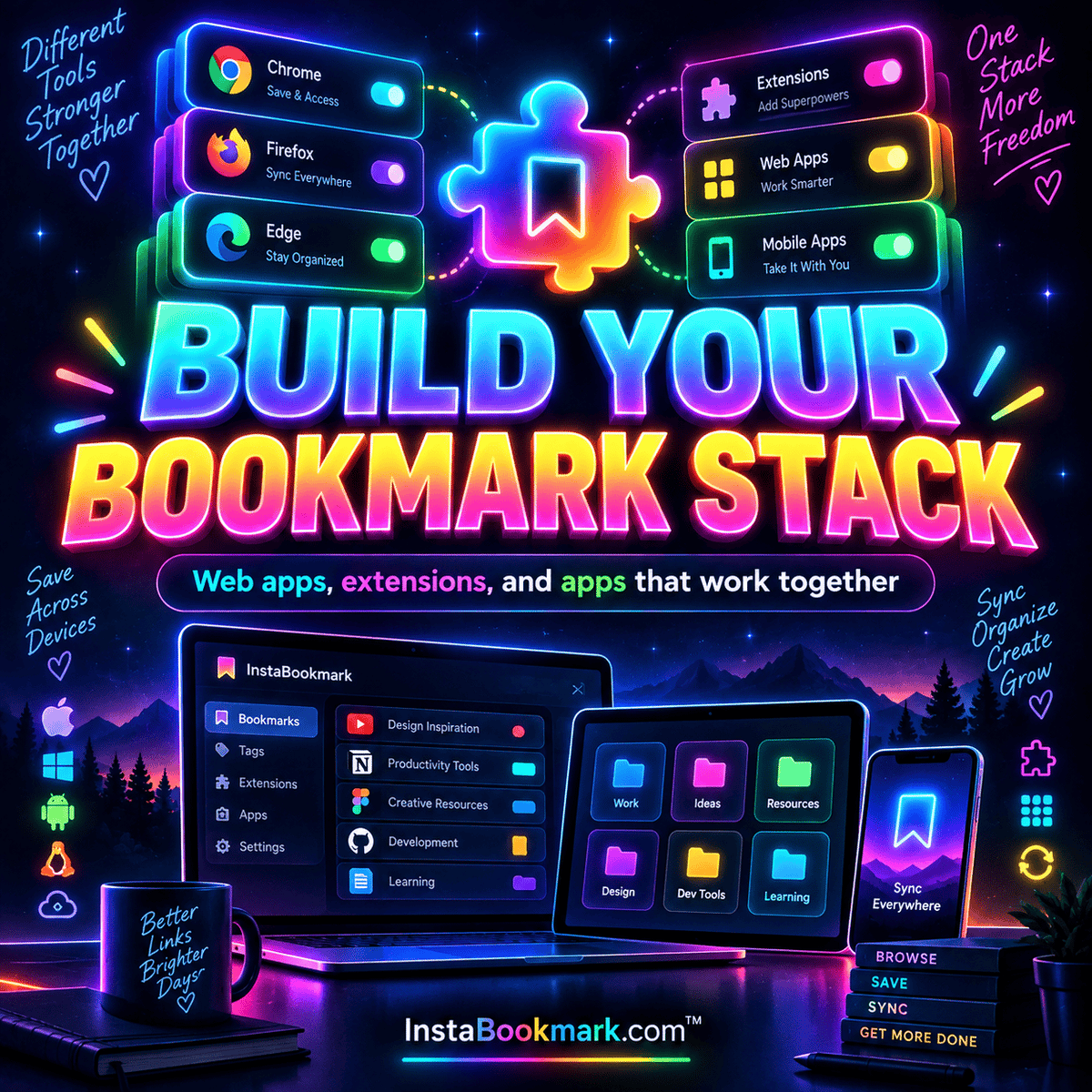
Bookmarking across Chrome, Safari, and Firefox
Build a browser-independent library and understand the difference between capture extensions and native bookmark sync.
Bookmark apps. Better collections. Brighter ideas. ✨
Follow a saved link from the browser where you find it to the device where you need it. Separate native apps, browser extensions, and web access before choosing a setup.
Each guide below focuses on a different part of browsers & devices. Start with the question that matches your collection today, then use the related links to connect it to a broader workflow. You do not need to change every tool at once.
Try the guidance with a small set of representative links. Keep track of the browser and device you use, the information you want to retain, and how you expect to retrieve it later. A practical test is more useful than assuming that a familiar feature name means the same thing in every app.
The guides include original explanations, linked publisher examples where specific product details are discussed, and multiple illustrations from the InstaBookmark collection. Product listings are a research snapshot; follow the source links in each app profile for current requirements, plans, and availability.
Build a browser-independent library and understand the difference between capture extensions and native bookmark sync.
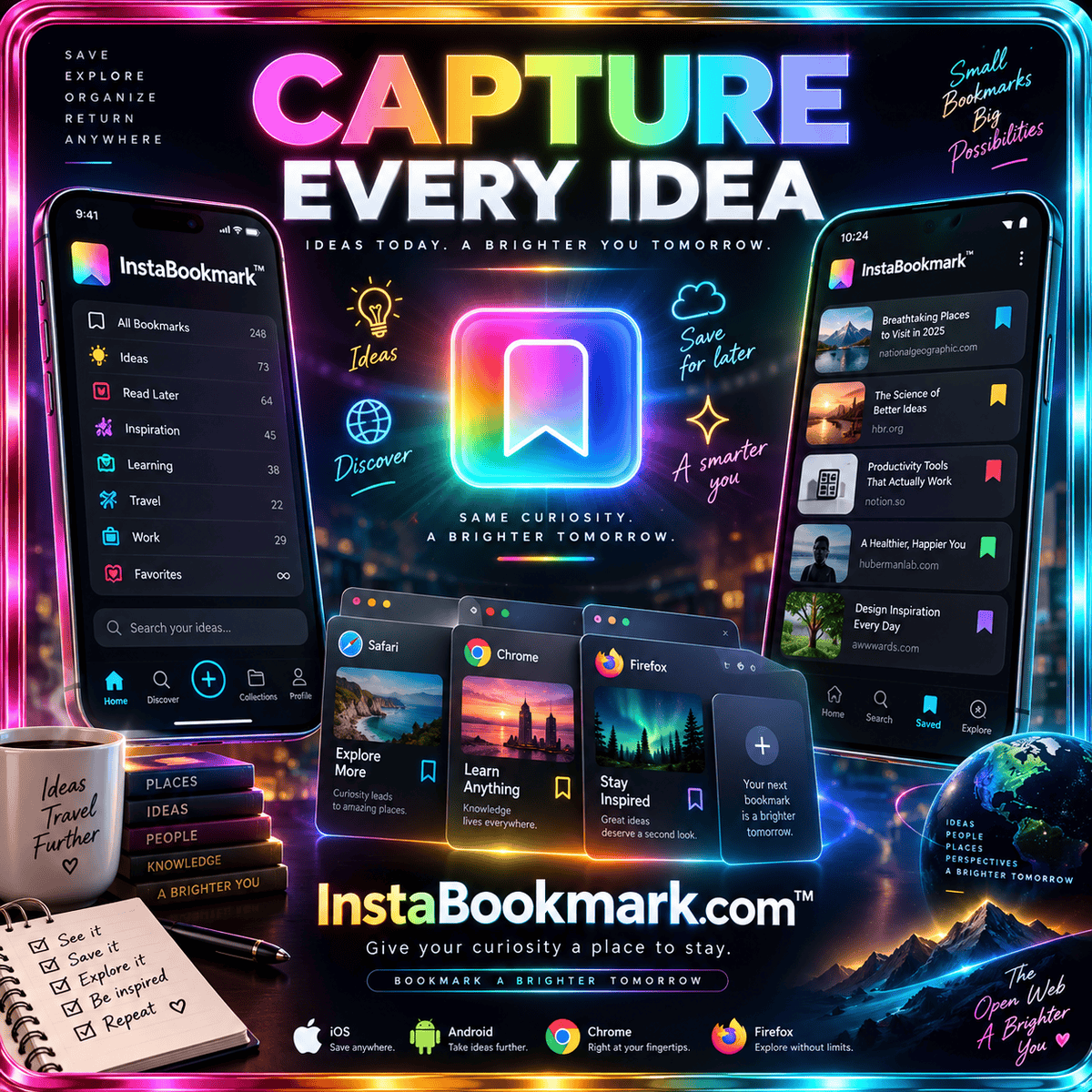
Test mobile capture, reading, offline expectations, and the handoff from your phone to your computer.
Find a place for your links, a rhythm for your reading, and a little more room for curiosity.
Explore all 100 tools → Read The Bookmark Edit